Free download · no signup
iPhone device frames, transparent PNG
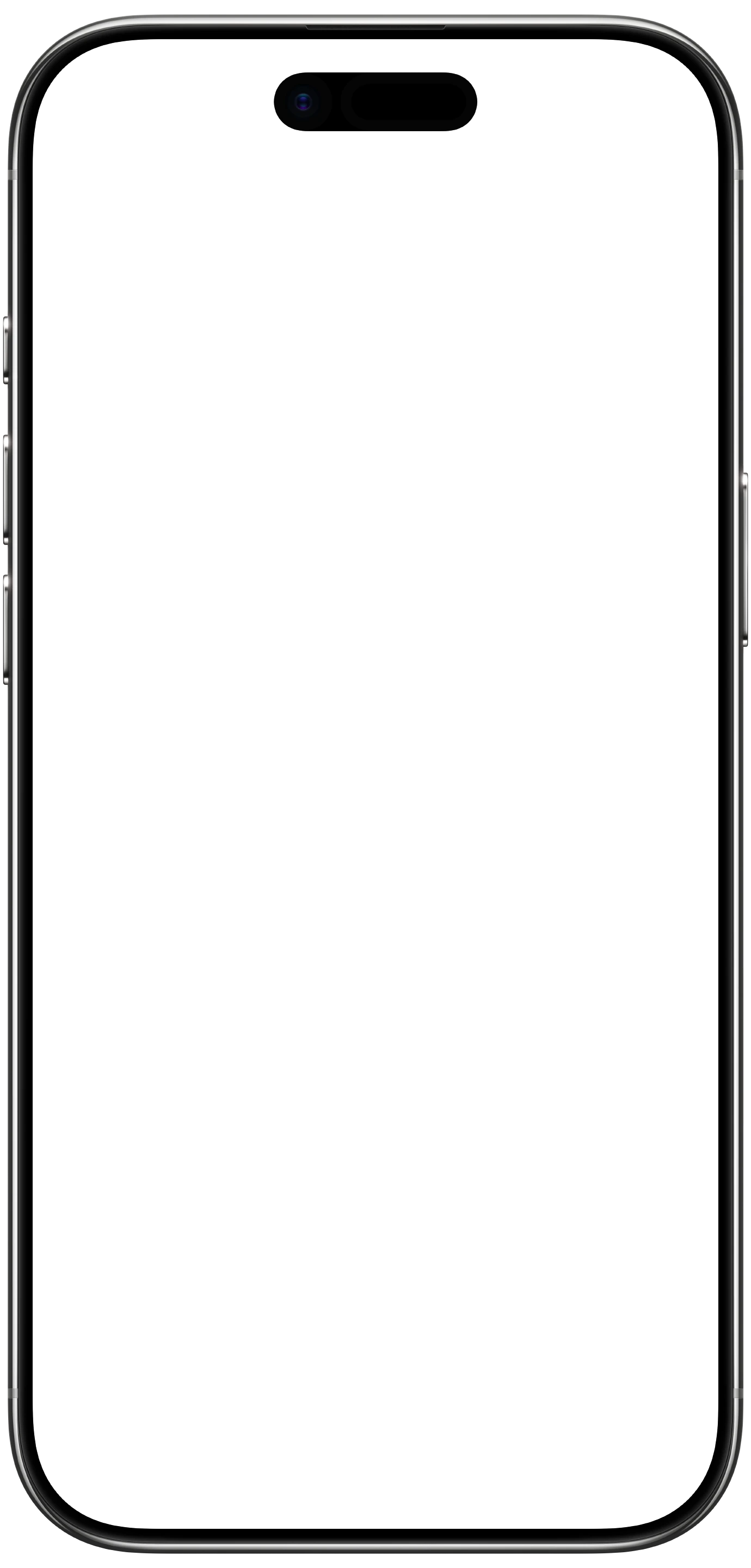
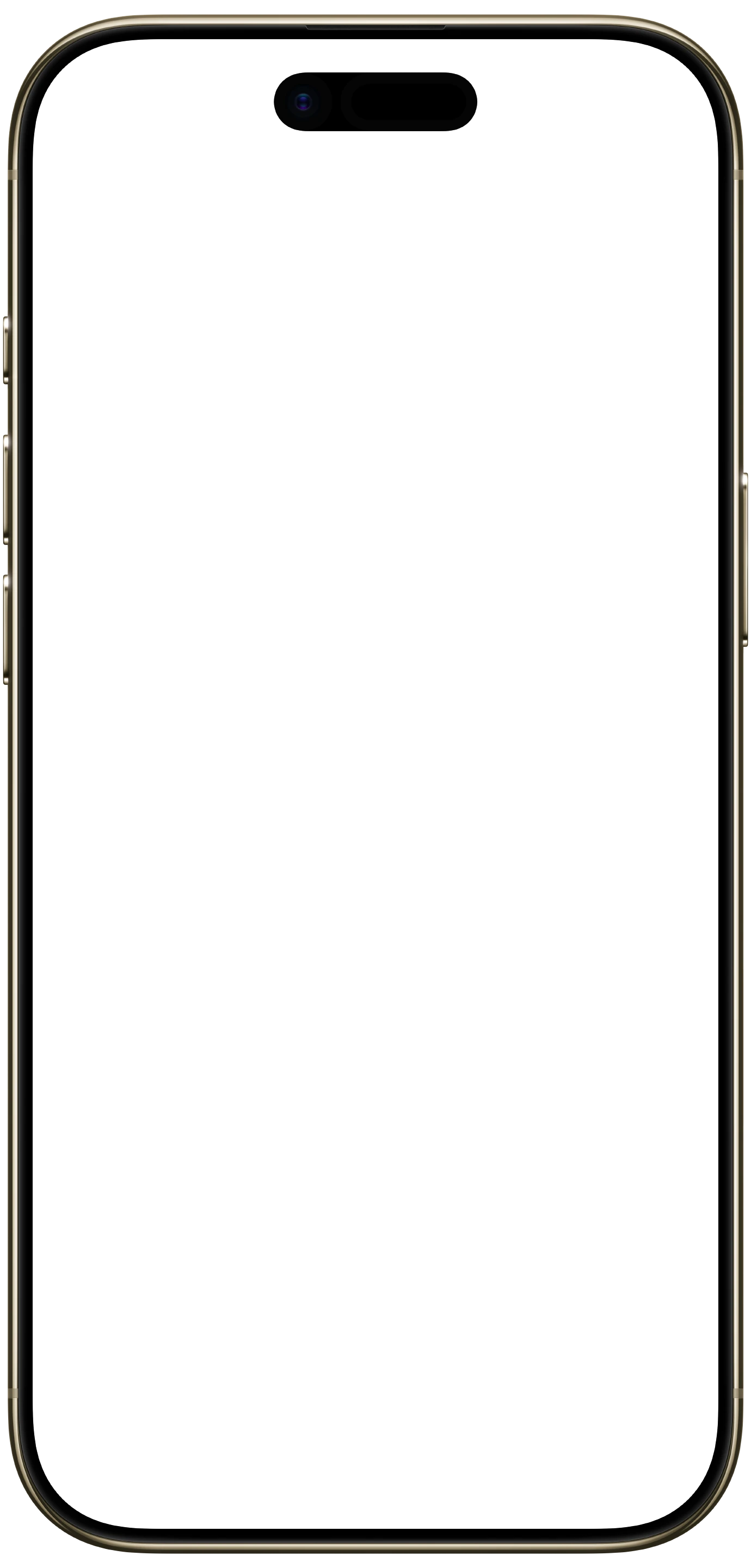
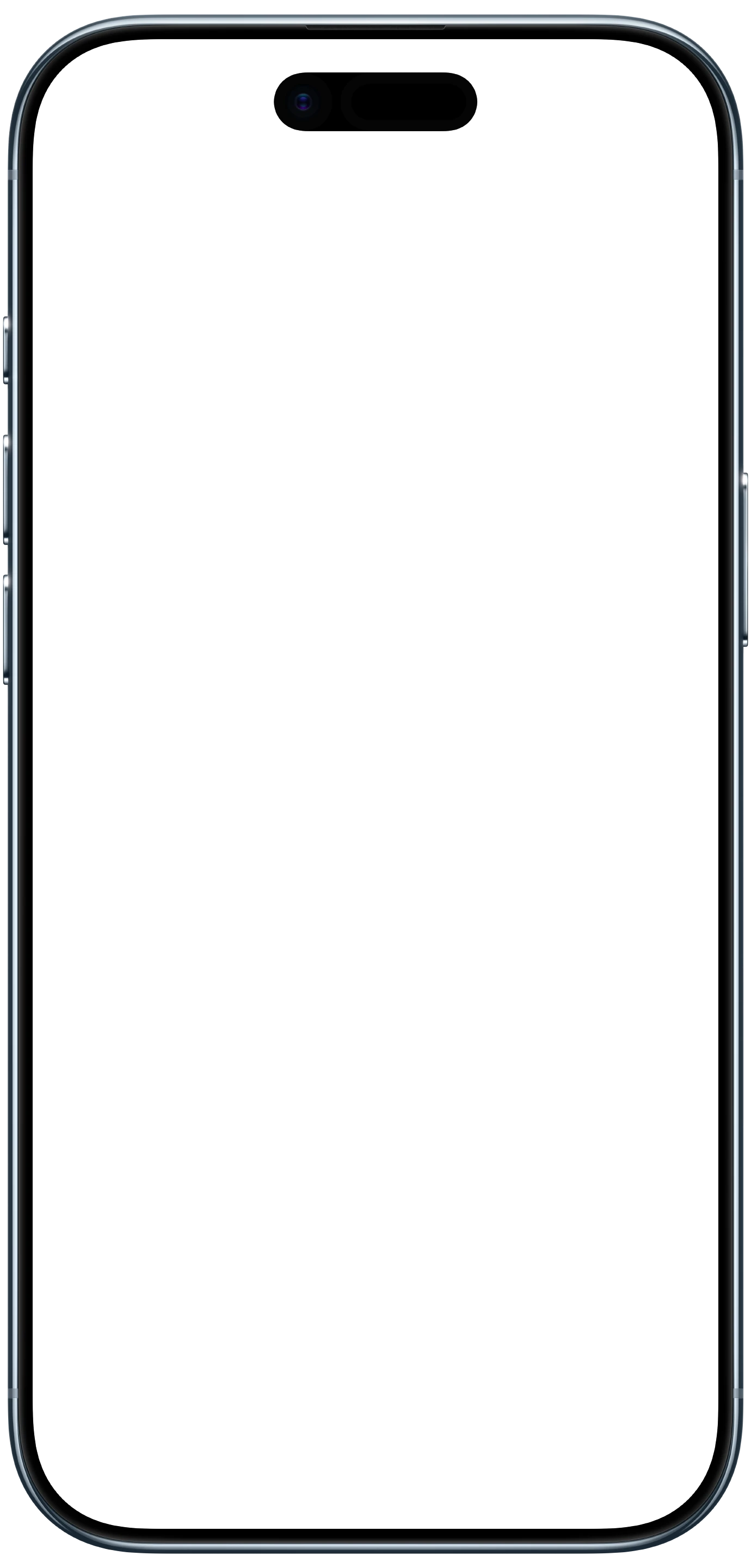
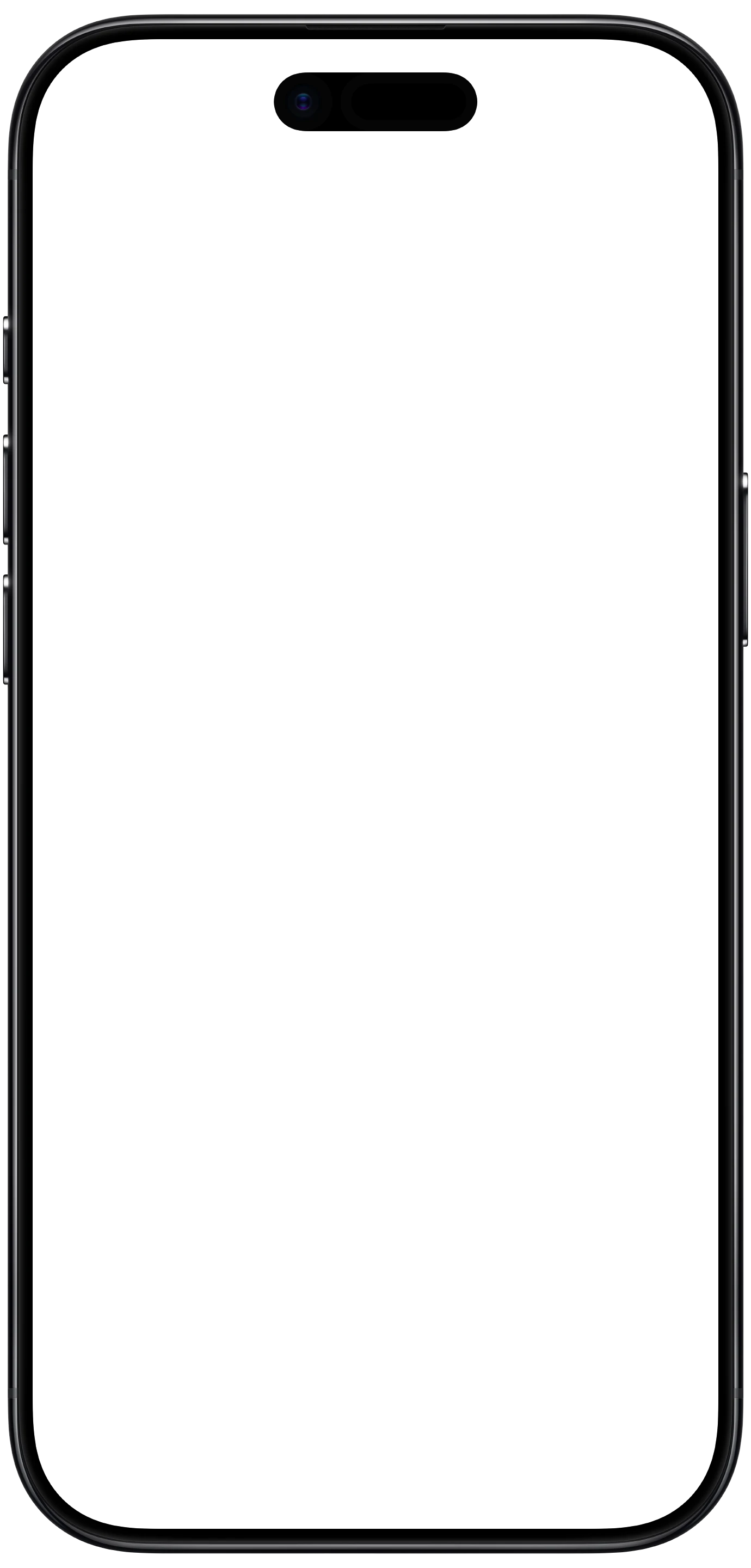
The 12 frames Screeny renders with, as flat PNGs you can drop into Figma, Sketch or Canva. Native resolution, transparent everywhere the phone isn’t, and sized so a real screenshot lands inside them without scaling.
iPhone 17
1350 × 2760 px frame · 1206 × 2622 px screen
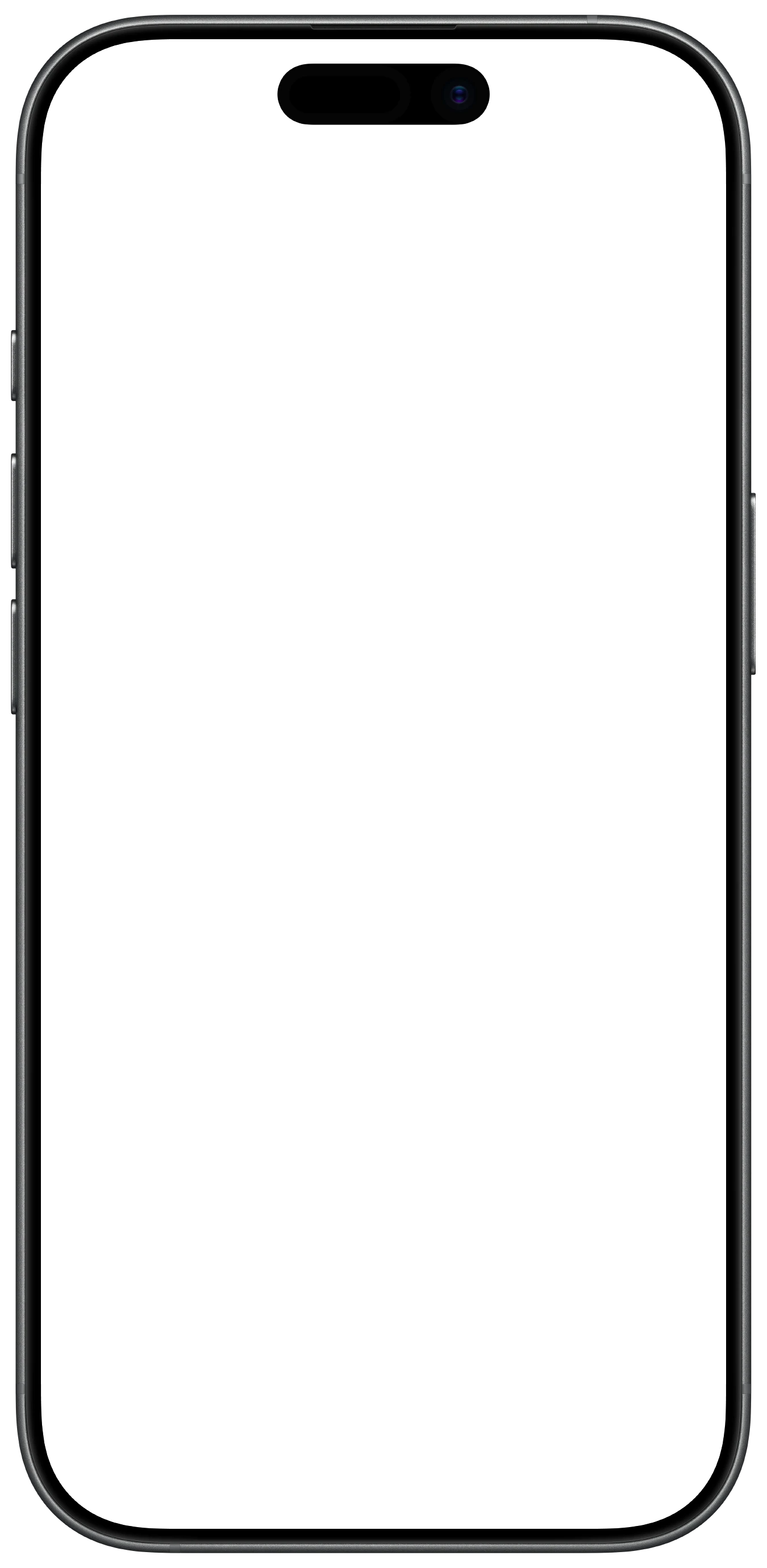
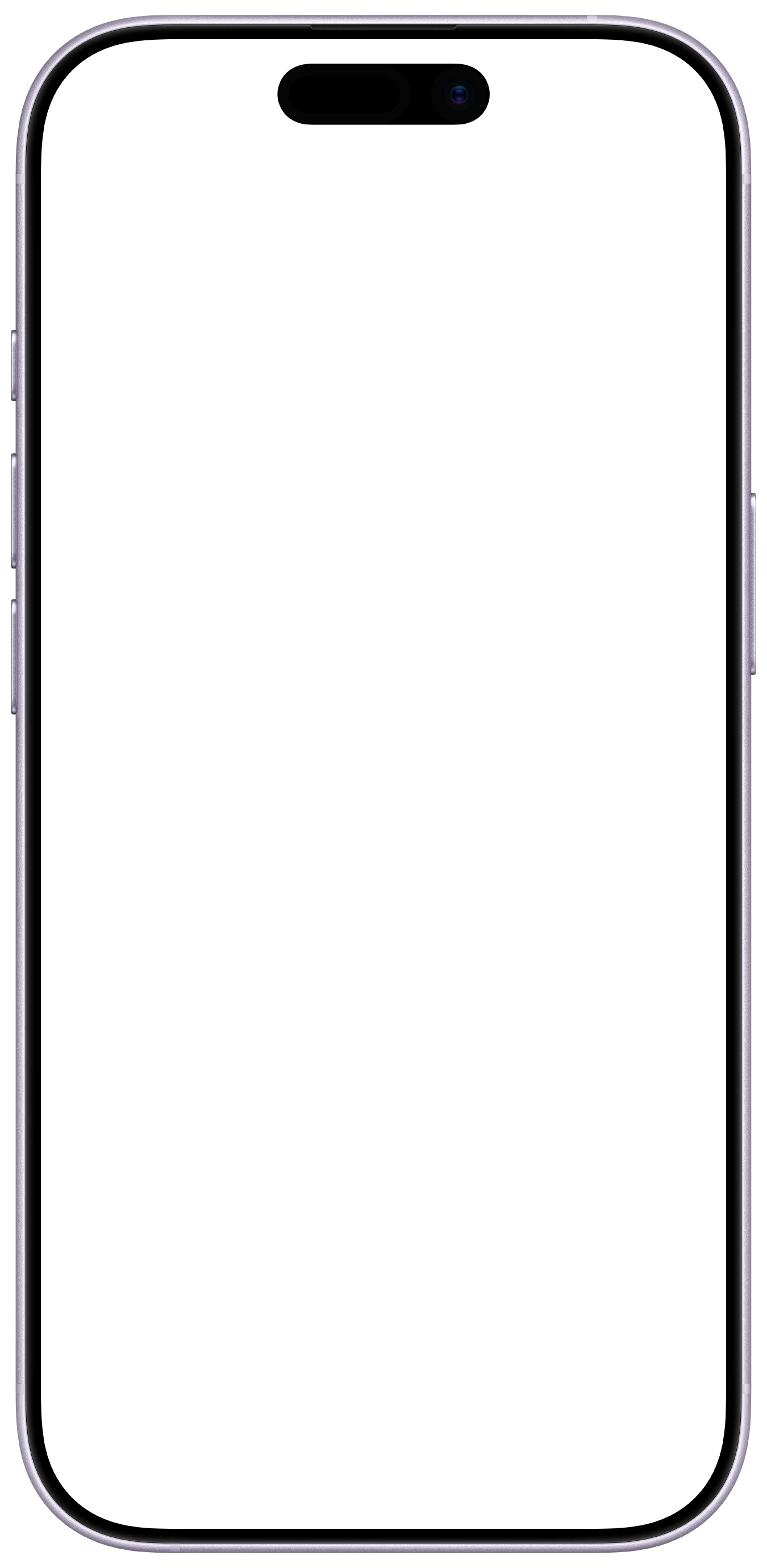
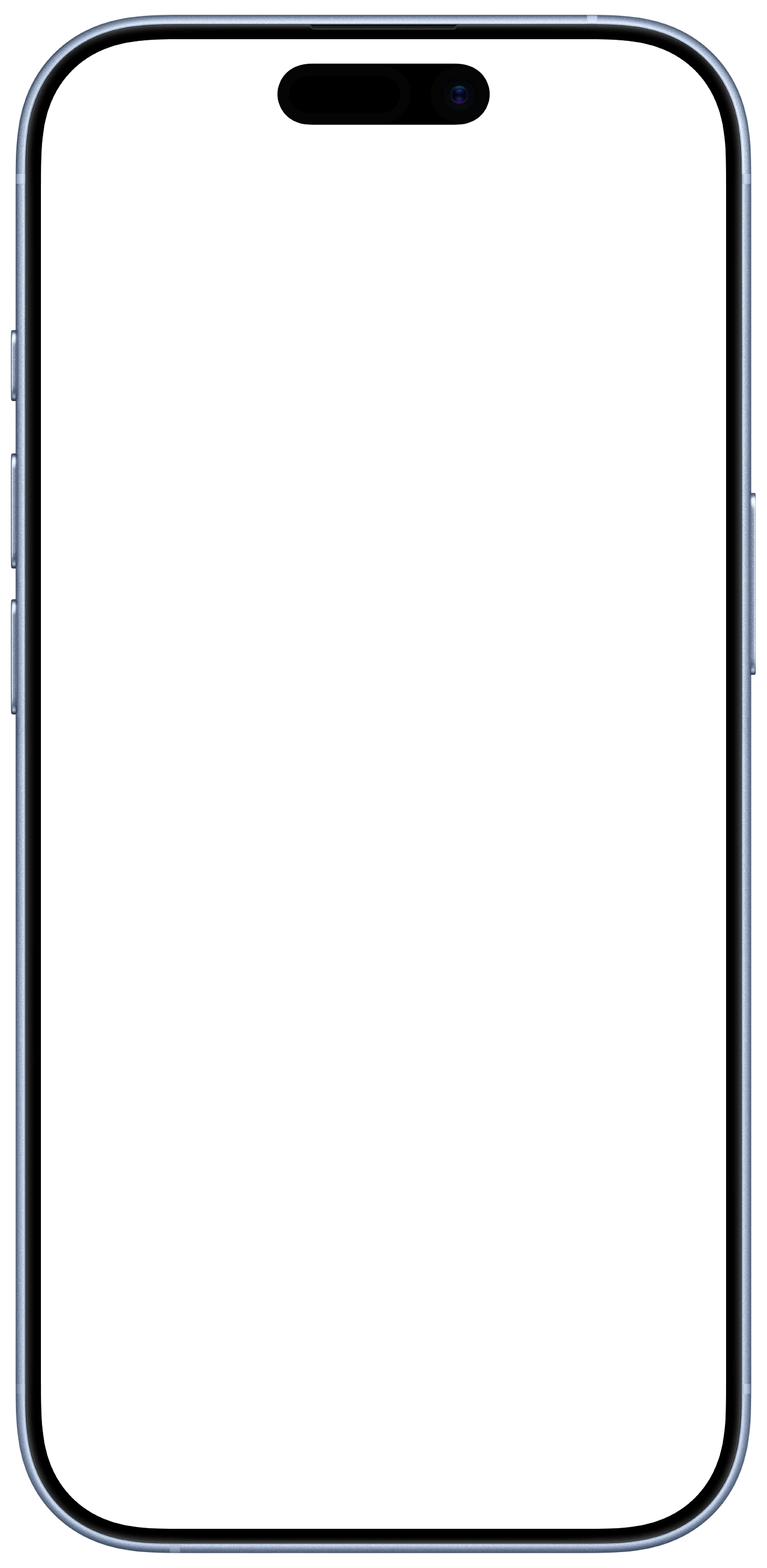
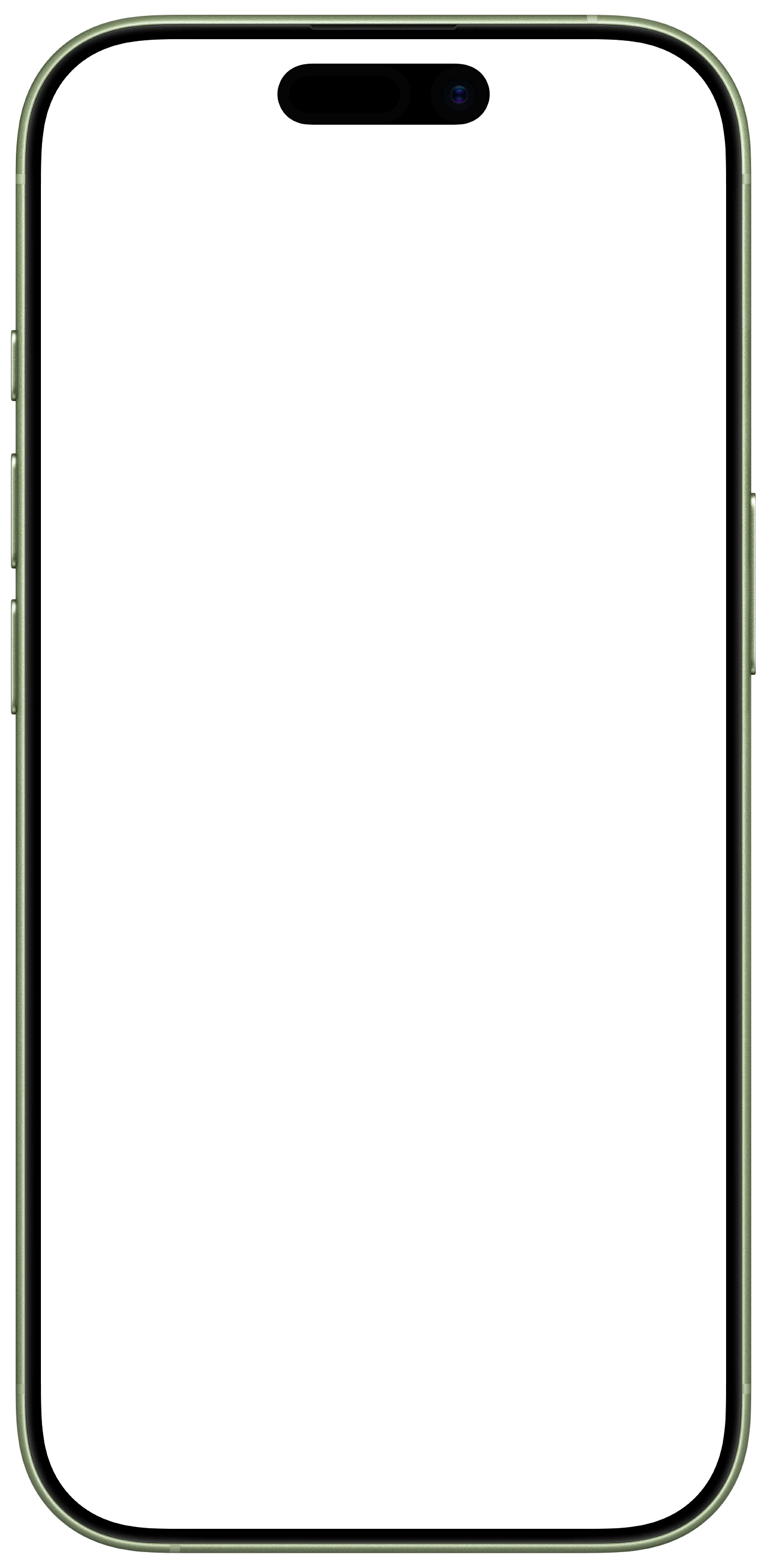
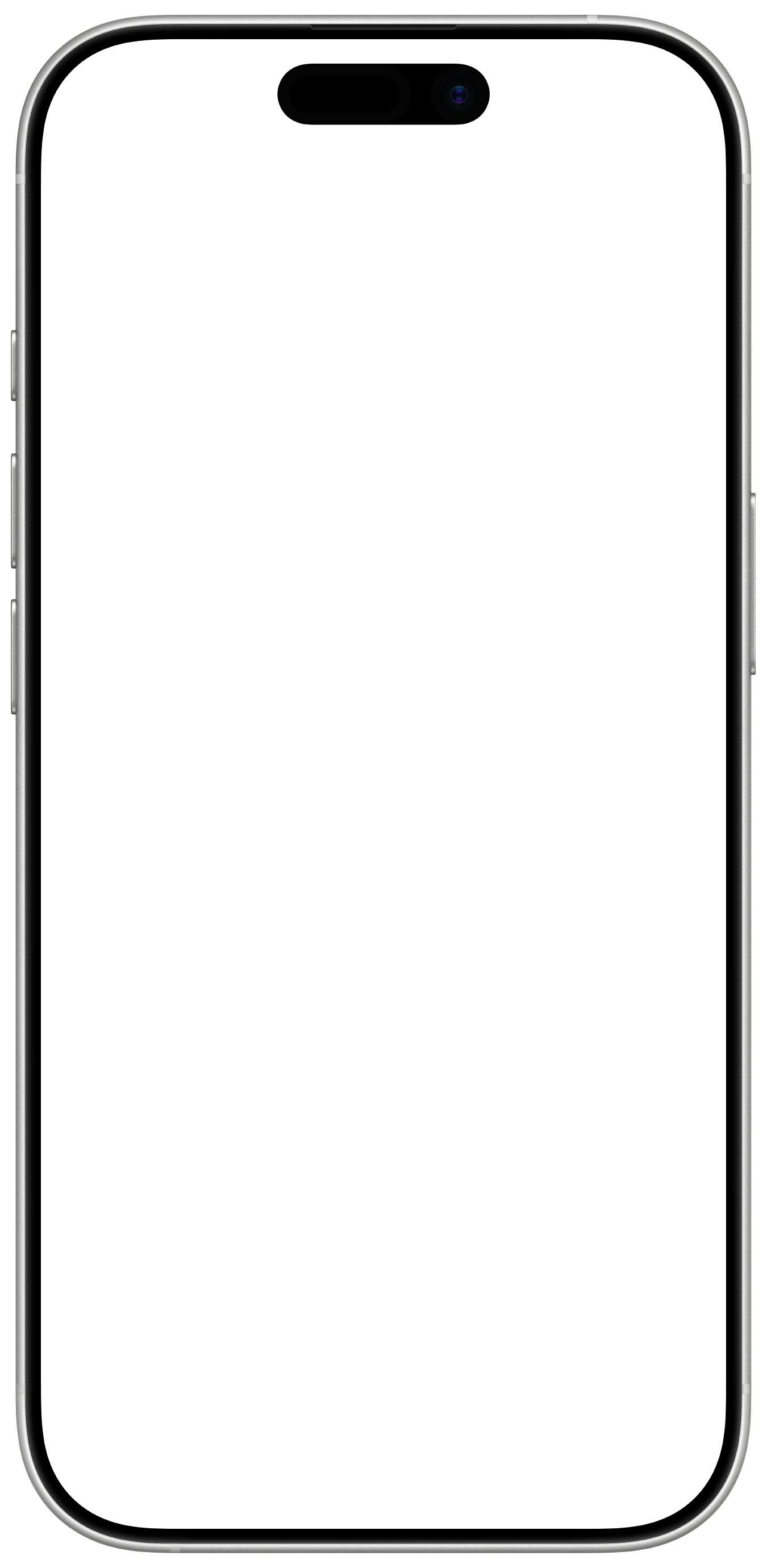
iPhone 17 Pro
1350 × 2760 px frame · 1206 × 2622 px screen
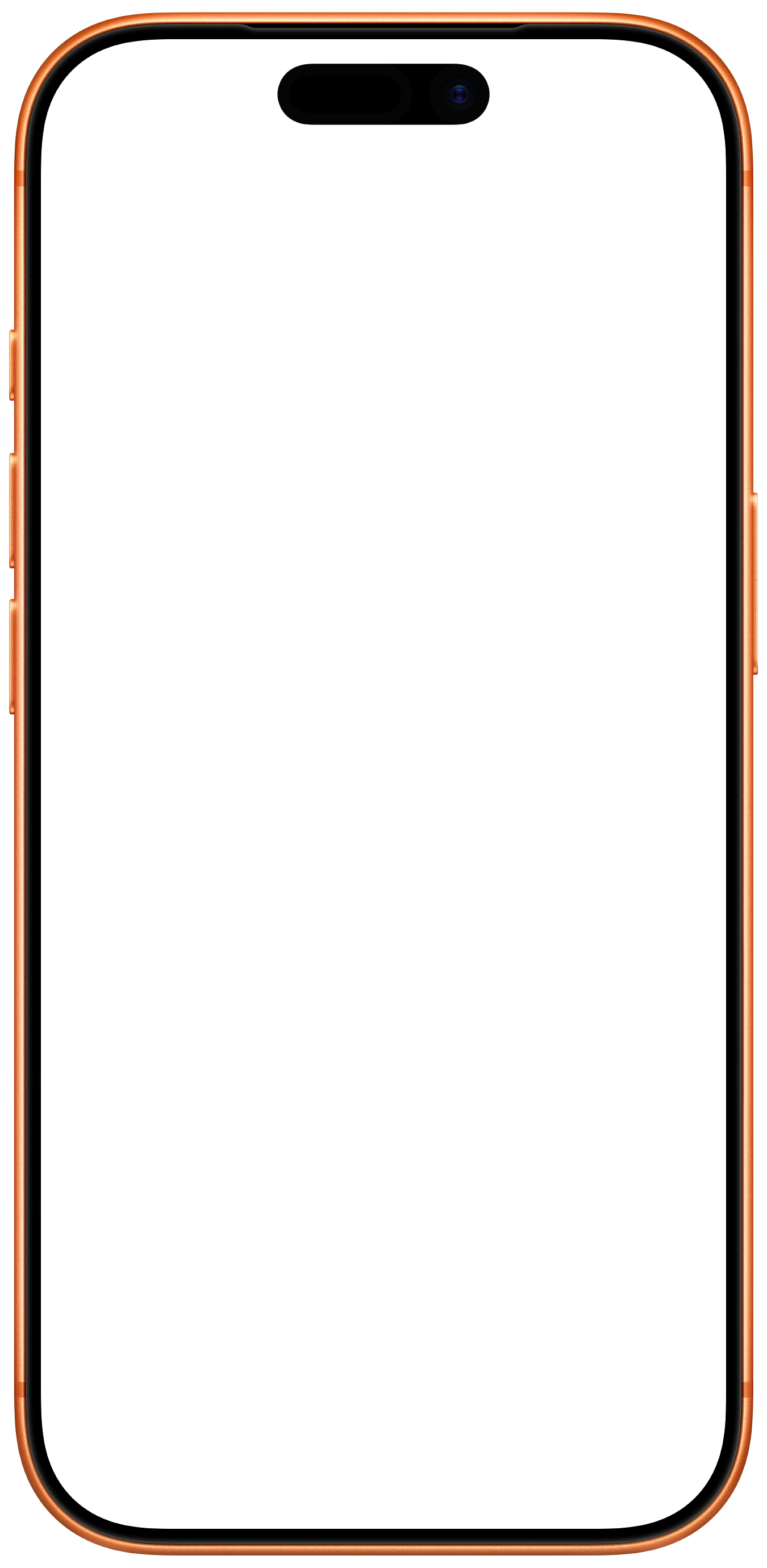
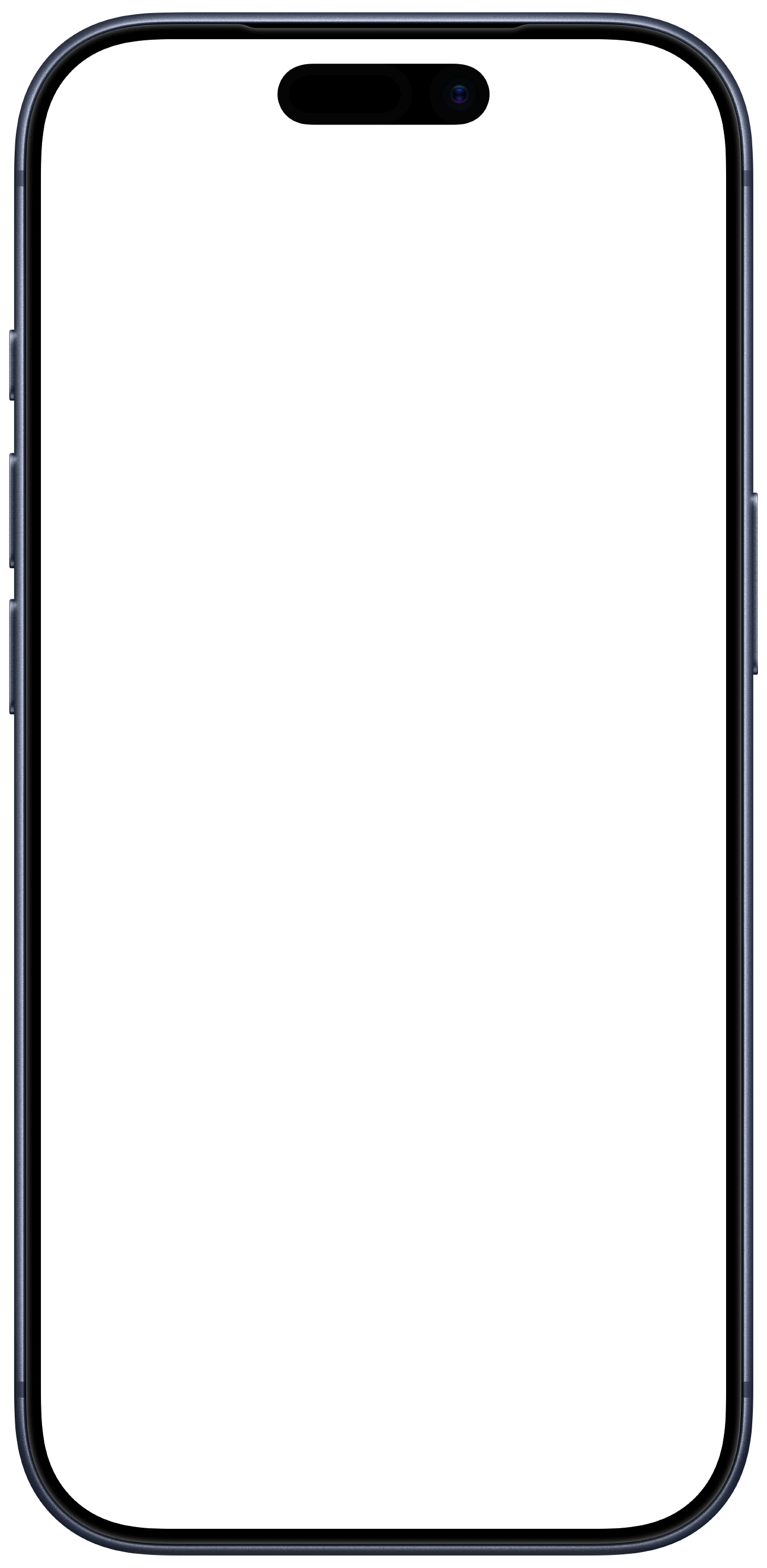
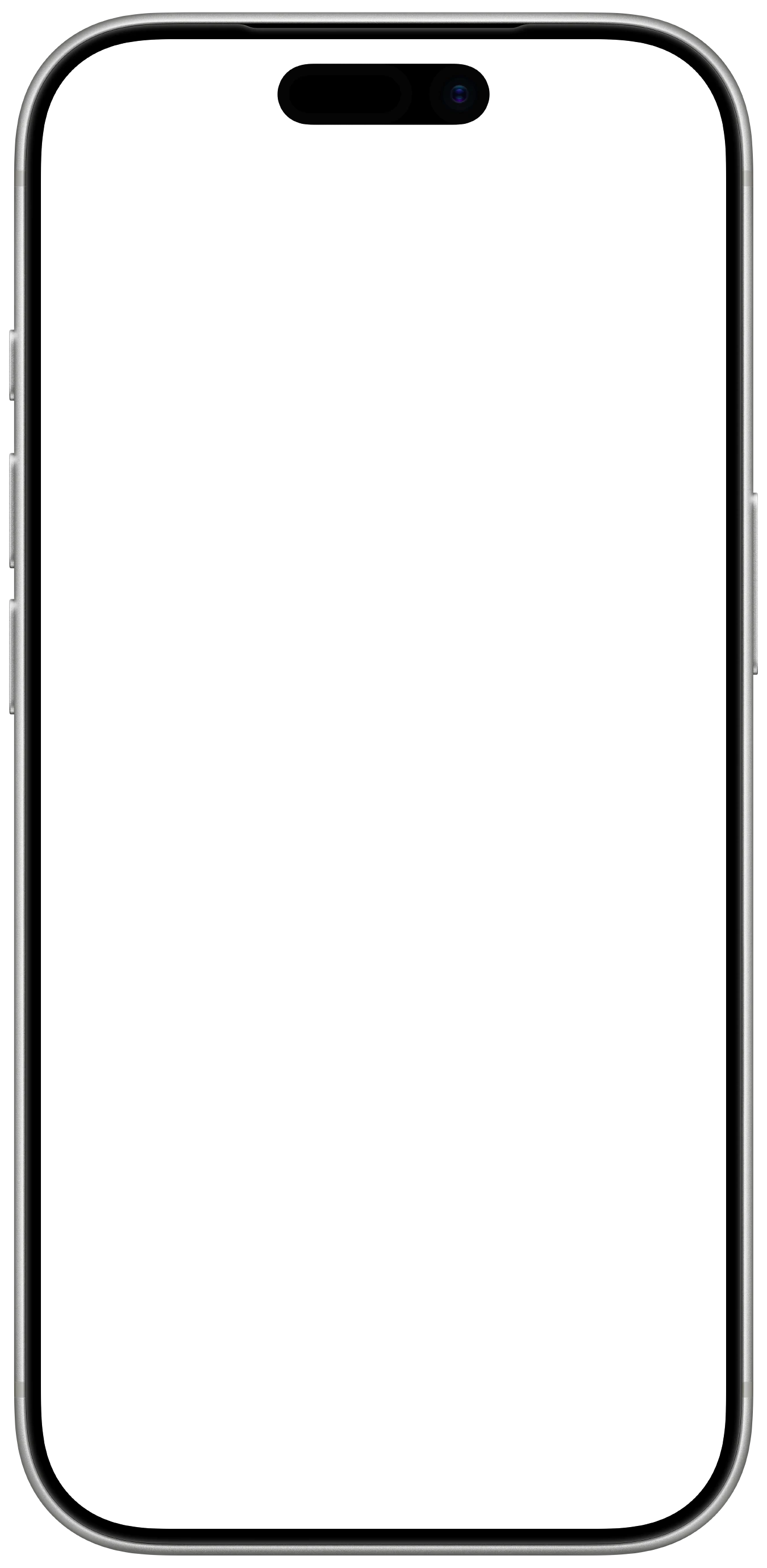
iPhone Air
1380 × 2880 px frame · 1260 × 2736 px screen
Dropping a screenshot in
Put your screenshot on a layer behind the frame. The aperture matches the device’s own screenshot resolution, so a capture straight off the phone or the simulator goes in at 100%. Centre it and it fits.
| Device | Frame | Screen |
|---|---|---|
| iPhone 17 | 1350 × 2760 | 1206 × 2622 |
| iPhone 17 Pro | 1350 × 2760 | 1206 × 2622 |
| iPhone Air | 1380 × 2880 | 1260 × 2736 |
One thing to round: the screen is a rounded rectangle, so square screenshot corners will peek past the curve. Match the radius on your screenshot layer, or mask it with the frame’s aperture.
And don’t forget the status bar. A frame won’t save a capture that still reads 3:47pm on 23% battery next to a carrier name. Here’s every way to get the clean 9:41 look. Framing a screen recording rather than a still? That’s a different job, and the corner mask has to hold for every frame.
Using these
Free for your own mockups, store listings, posts and client work, no attribution needed. Just don’t redistribute them as your own asset pack. They depict Apple hardware, so Apple’s trademark and product-image guidelines apply to how you show the devices.
The part a flat PNG can't do
A frame is the easy half. The status bar, the corner mask, the background, and doing all three the same way across a whole set is the half that takes the afternoon, and it starts over the moment one screen changes.
Screeny does that on the phone that took the screenshot. Pick a device and colour, drop the screenshot in, and the frame, the clean status bar and the background come out as one export, or batch ten at a time and keep them consistent. Screen recordings work the same way, keyframe zooms included.
These frames stay free either way. If you’re assembling them by hand more than once a month, the app is the shortcut.