Rotato Alternative for App Store Screenshots
People looking for a Rotato alternative are usually looking for one of two different things, and the answer is different for each. Sometimes it is “I want that rotating 3D hero video, cheaper.” Sometimes it is “I have ten screenshots and a release tomorrow, and this is more tool than I need.”
What Rotato is good at
Rotato is a native Mac app that puts your screenshot or screen recording into a photorealistic device in a 3D scene. You rotate the device freely, adjust lighting and backgrounds, and export a still, a GIF, or video. It ships more than 30 mockup devices, and the higher tiers add pre-built video templates, 18 on Standard and around 100 on Premium.
That 3D camera work is the real product. A phone tumbling through space with believable reflections is difficult to fake in a 2D tool, and Rotato makes it a few minutes of work instead of an After Effects project. If your landing page opens with a hero animation, this is the category of tool that makes it.
Where it fits awkwardly
Two constraints, neither of them a flaw so much as a consequence of what it is.
It is Mac-only. Rotato requires macOS 11 or newer. Your screenshots and screen recordings start on an iPhone, so every mockup begins with an export-to-desktop round trip: AirDrop or iCloud, find the files, import, work, export, and send the results back if you are posting from your phone.
3D is overkill for a flat set. App Store screenshots are ten upright images at a fixed resolution. Perspective, lighting and camera moves are capability you are not using, and a tool built around them puts that capability between you and the export every time.
The alternative if you want the animation
Stay with a 3D tool. Rotato’s competitors in that specific job are Screen Studio and Jitter, and the honest comparison there is about motion features and price, not about framing.
Nothing on this site does 3D camera work. Screeny animates video with keyframe zooms on a flat mockup, a push-in toward a point on the screen with an easing curve, which is the motion that suits a product demo. It is not a substitute for a device rotating in space.
The alternative if you want the screenshots
This is the case where the round trip is the whole cost. Screeny runs on the iPhone or iPad that took the capture, so the screenshot never leaves the device: import from Photos or the share sheet, pick a device frame and colour, pick a background, export.
Three things it does that matter more for a screenshot set than 3D does:
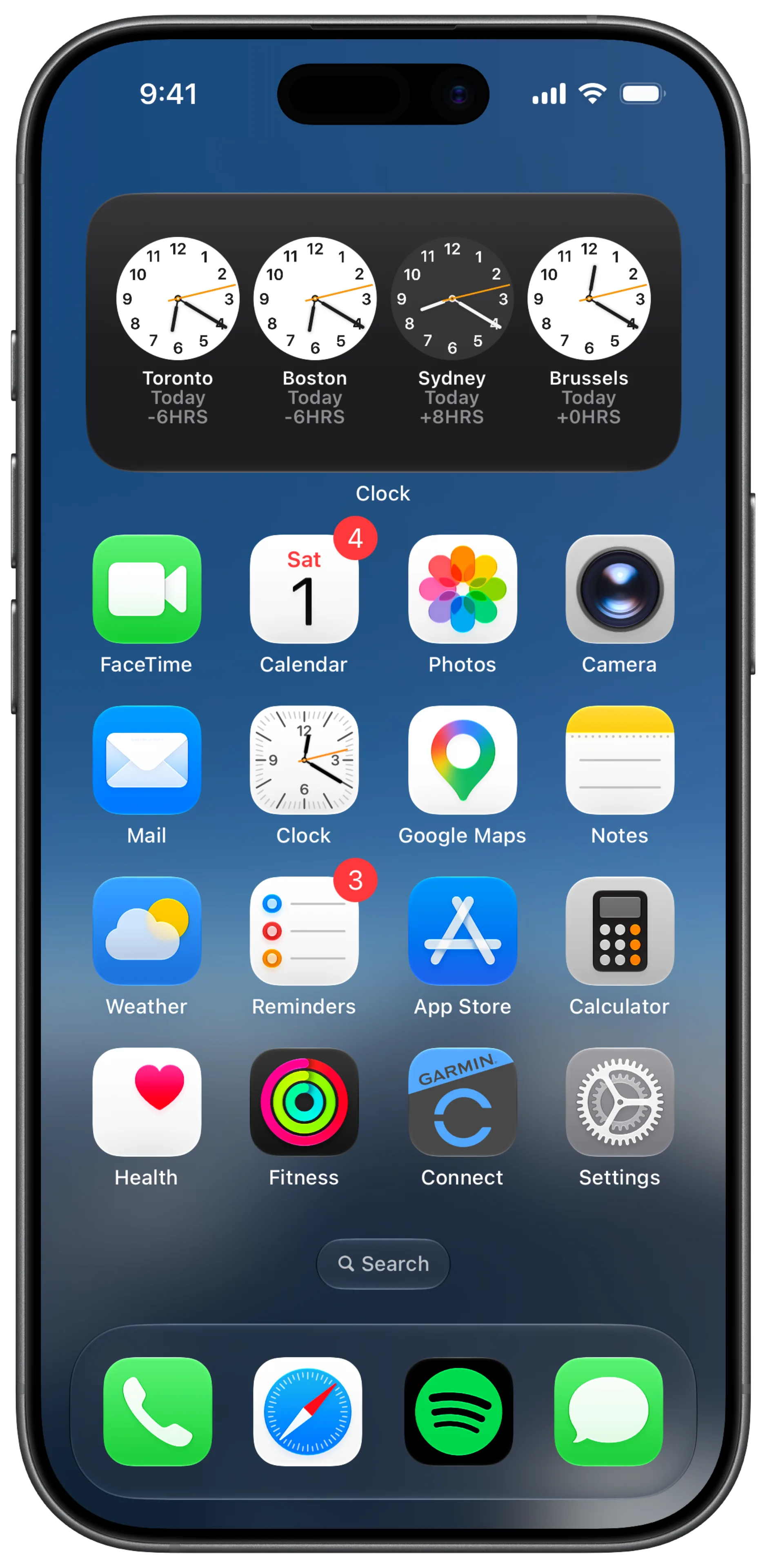
It rebuilds the status bar. Real-device captures carry a real clock, a partial battery and a carrier name. Screeny reconstructs the bar at 9:41 while keeping the background pixels behind it instead of painting a strip over your gradient. On video the same rebuild runs on every frame.
It batches. Ten items per batch, mixing screenshots and video, all sharing one look, which is the actual shape of an App Store submission.
It is a one-time universal purchase. iPhone, iPad and Mac, with exports never watermarked on any tier. Rotato also sells one-time tiers rather than a subscription, though its pricing page lists only checkout links rather than figures, so compare the current numbers yourself.
The comparison, honestly
| You want | Use |
|---|---|
| A rotating 3D hero video | Rotato |
| Cinematic camera moves over a device | Rotato |
| Ten App Store screenshots, framed and consistent | Screeny |
| A clean 9:41 bar on a real-device capture | Screeny |
| To work without exporting to a Mac first | Screeny |
| A framed screen recording with zoom push-ins | Either, depending on whether you need 3D |
Frequently asked questions
Is Rotato worth it? For 3D mockup animation, it is one of the few tools that does it well. For a flat App Store screenshot set, you are buying a 3D engine to make upright rectangles.
Does Screeny do 3D mockups? No. Frames are flat and face-on. Video gets keyframe zooms and easing, not camera orbits.
Can I use Rotato on Windows? No. Rotato is a Mac app and requires macOS 11 or newer.
Do I need a Mac for Screeny? No. It runs on iPhone and iPad, and the Mac app is included in the same purchase. The Mac app is the one that adds the MCP server for agent automation.
What if I just want the frame? Take it. The device frames are free, transparent PNG at native resolution, and they work in whatever tool you already use.